 CONTEXT WINDOW
 RULESTACK
 TOOLDRIFT
 THE STANDUP
 AGENTWIRE
 KITGRADE
 POLICYDRIFT
Truing reconstructs W-2 box 12 codes from payroll registers
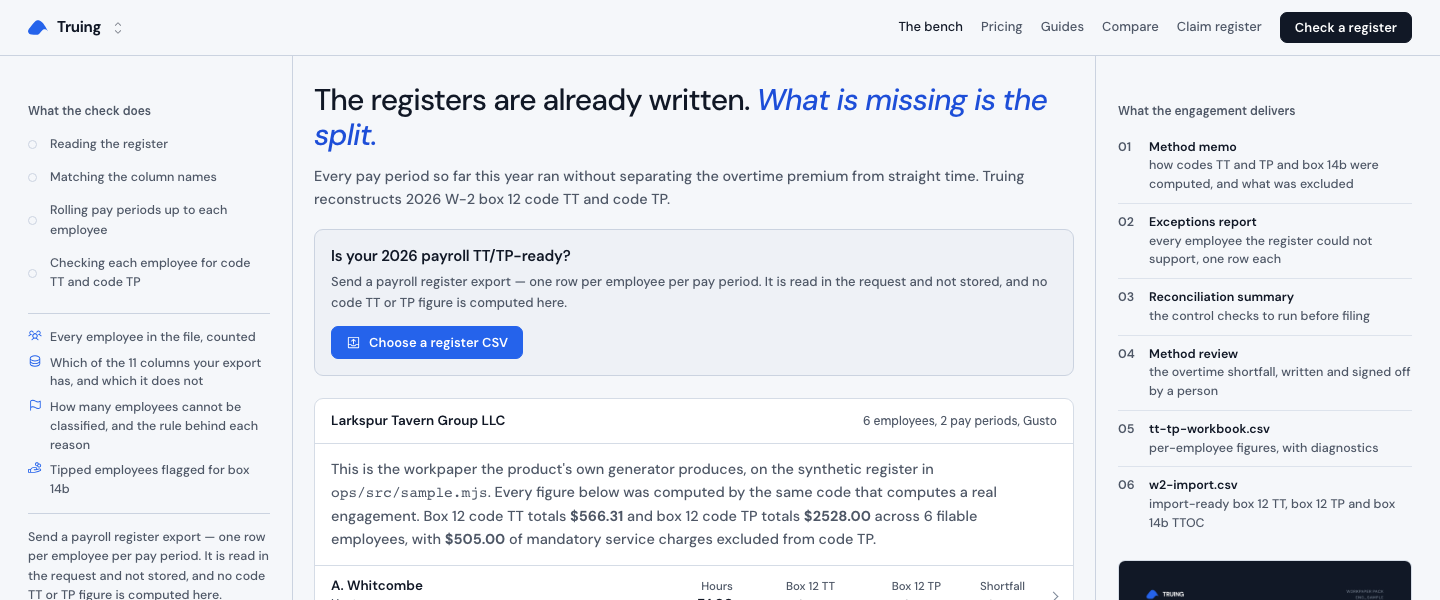
The registers are already written. What is missing is the split. Truing takes a payroll register, separates overtime and qualified tips, and turns the result into a workpaper that shows the arithmetic employee by employee.
Truing
The Bench
The main page opens on a sample engagement from Larkspur Tavern Group LLC in Gusto. It shows two pay periods, employee names, occupations, hours, overtime hours, earnings, bonuses, tips, tip outs, and service charges.
The Bench lets a preparer start with the register already in hand. Truing reads each employee across pay periods, then rolls those rows into the figures needed for box 12 code TT, code TP, and box 14b.
Check a register
The central control is a file picker labeled "Choose a register CSV." Its panel says the register is read in the request and not stored, and the page separates this check from the paid reconstruction.
After a CSV is selected, Truing streams four visible stages: reading the register, matching column names, rolling pay periods up to each employee, and checking each employee for code TT and code TP. The check reports which columns the export has, which it lacks, and which employees cannot be classified.
Employee workpaper
The sample employee table opens on M. Calderon, whose row shows 94 hours, 14 overtime hours, a blended regular rate of 22.13, code TT of 100.00, code TP of 860.00, and a 60.00 shortfall.
Opening an employee expands the calculation cells. Truing shows service charges excluded from TP, non-discretionary pay included in the regular rate, required overtime premium, overtime premium actually paid, shortfall, and status. Calderon is marked "REVIEW," while the other sample rows show their own figures and statuses.
Method memo
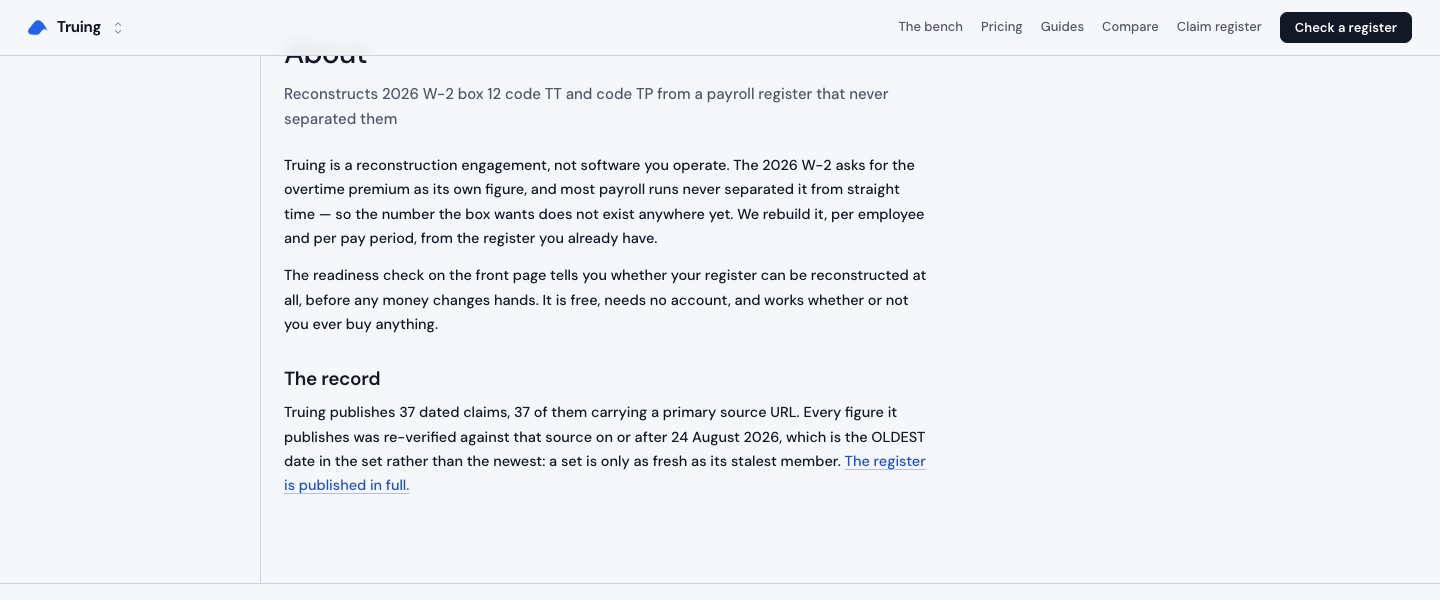
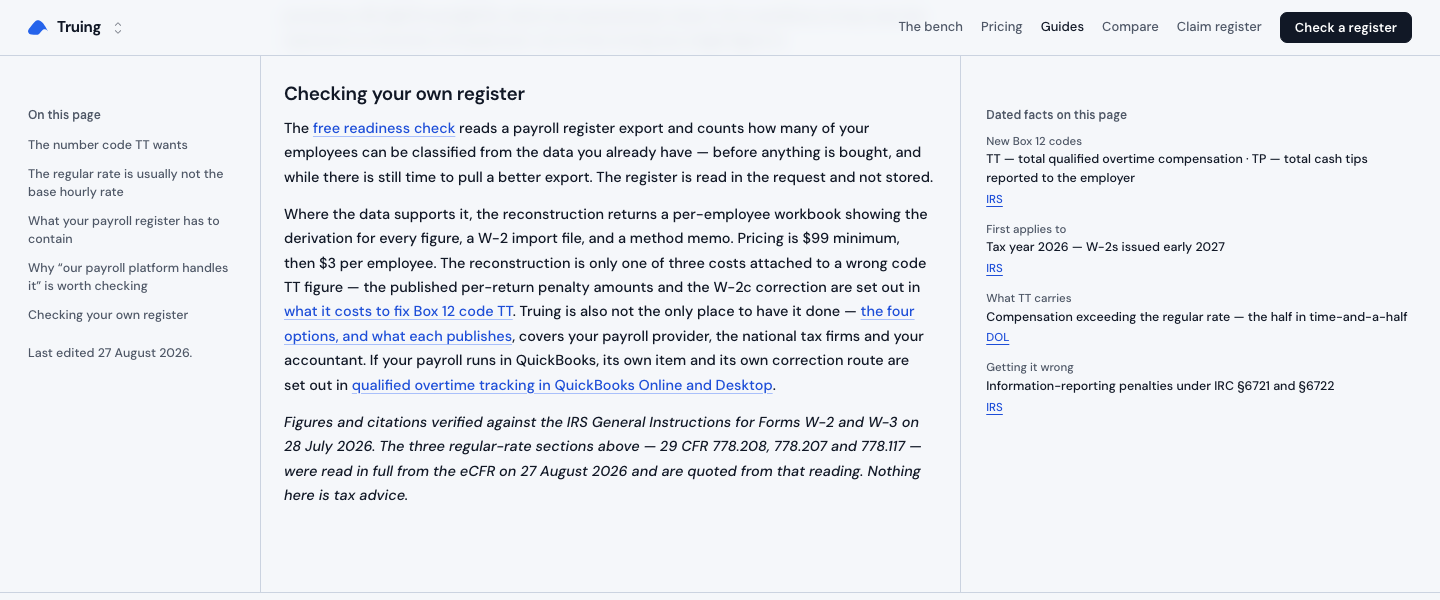
The workpaper pack includes a Method memo describing how codes TT and TP and box 14b were computed, including excluded amounts. The sample page also states that the result is a computation workpaper, not tax advice or a substitute for the reviewing preparer's judgment.
The memo gives the preparer a written path through the calculation instead of leaving the result as a number in a spreadsheet. It keeps the method beside the figures that depend on it.
Exceptions report
The Exceptions report is listed as one row for every employee the register cannot support. The main console also shows an exception on Calderon's row, where the overtime was paid on a rate that excluded non-discretionary pay.
Truing keeps that finding attached to the employee and period summary. The sample result calls out a required premium of 160.00, paid premium of 100.00, and shortfall of 60.00, with an instruction to flag it before filing.
W-2 import
The final pack includes w2-import.csv, with import-ready box 12 TT, box 12 TP, and box 14b TTOC fields. The employee view shows those same values in a form that can be checked before export.
For J. Nakamura, the view shows box 12 TT of 17.00, box 12 TP of 183.00, and box 14b TTOC of 104. I would use that row to verify the import before carrying the file forward.