 AGENTWIRE
 SCRIPTPROBE
 KITGRADE
 COMPOUND
 POLICYDRIFT
 THE STANDUP
 TOOLDRIFT
 RULESTACK
 STACKTAB
CardChase recovers failed subscription charges through approval queues
CardChase reads failed subscription charges, stages retries, and stops cards the network has permanently refused. The live console shows 7 charges, $1.7k per month at risk, and 3 actions waiting for approval.
CardChase
The queue
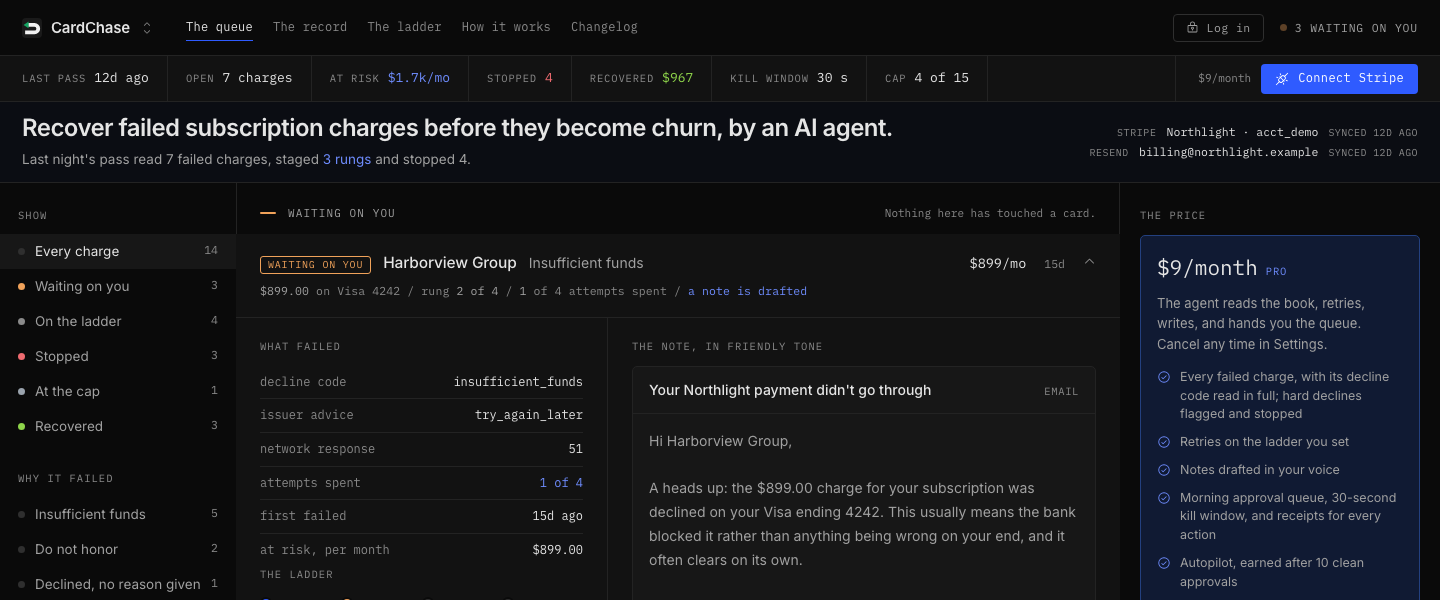
The queue shows each failed charge with its customer, amount, decline detail, retry rung, and monthly value at risk. The live view separates waiting, stopped, capped, and recovered charges.
The queue lets you approve a retry, review the customer note, or kill the action. Approval starts a 30-second window before anything reaches the card or the customer.
The charge row
A charge row shows the failed amount, card brand, last four digits, decline code, retry count, and the next action. Orrery Systems appears with a $199.00 Amex charge ending in 0031 and the decline code processing_error.
The row applies the retry policy to that charge. It can stage the next rung, show the drafted note, or stop the charge when the evidence says another attempt must not run.
The ladder
The ladder shows four scheduled rungs: a quiet retry after 1 day, a first notice after 3 days, a second notice after 5 days, and a final notice after 7 days. Each rung shows whether it retries the card and writes the customer.
The ladder controls when CardChase retries and when it drafts a note. It keeps the schedule visible instead of hiding the timing inside a background job.
The gate
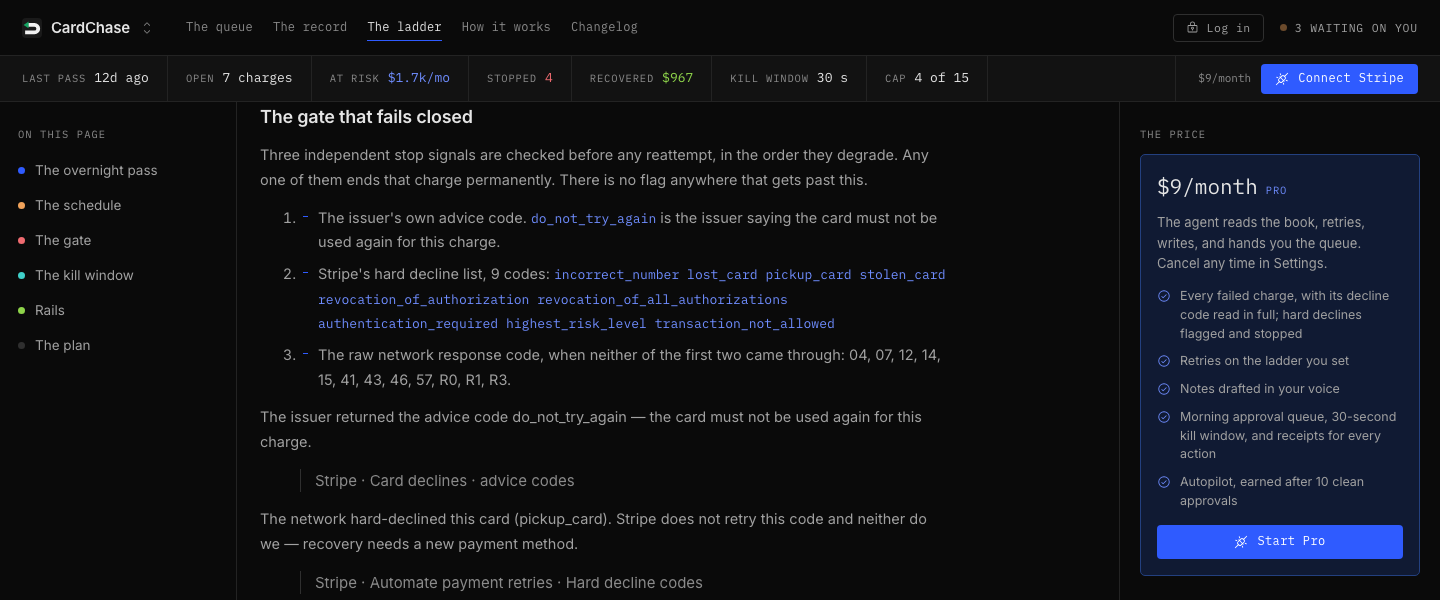
The gate shows the issuer advice code do_not_try_again, 9 hard-decline codes, and the network response codes that mean the issuer will never approve the charge. It also shows a cap of 4 retries per failed charge, never above 14, against a network ceiling of 15 reattempts in 30 days.
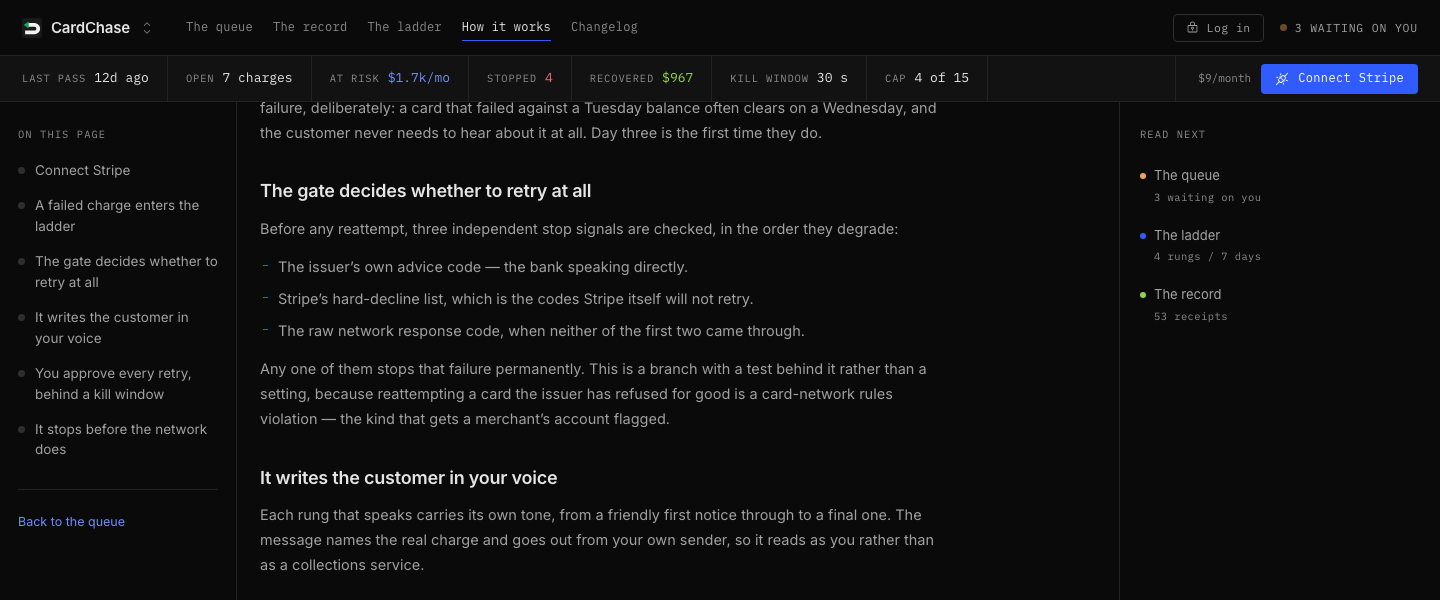
The gate stops a permanent decline before approval can stage another retry. It applies the same stop in copilot and autopilot, so changing the mode cannot waive the evidence.
The record
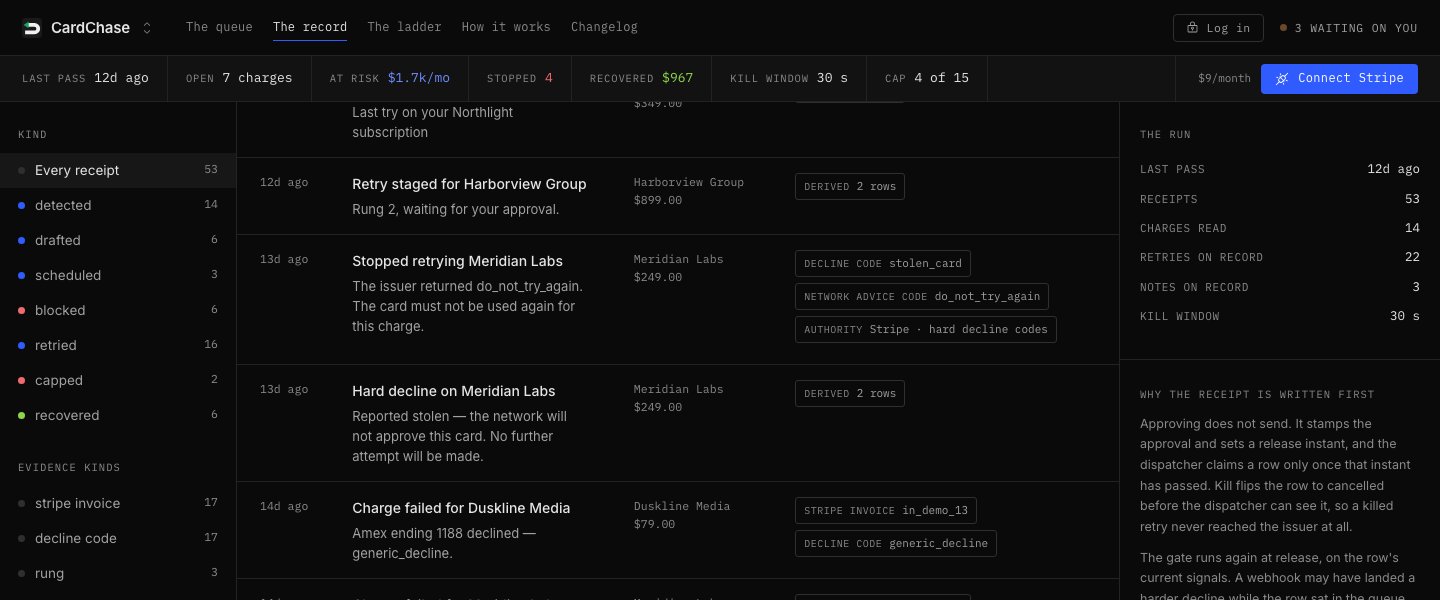
The record shows receipts for detected failures, drafted notes, staged retries, blocked actions, capped charges, and recovered payments. Each receipt includes the customer, amount, event time, evidence kind, and the source behind the decision.
The record lets you filter by event type or evidence kind, including Stripe invoice, decline code, rung, kill window, network advice code, authority, and retry cap. It keeps the action and the evidence that caused it together.