 AGENTWIRE
 STACKTAB
 CONTEXT WINDOW
 STANDUP
 WIRECALL
 TOOLDRIFT
 CARDCHASE
 COMPOUND
 STILL-MORNINGS
BlockDex maps what public component registries actually serve
A registry can publish a manifest that parses and still leave you guessing about access, source, dependencies, and whether its demo can be shown. BlockDex puts those answers beside the item instead of hiding them in a library homepage.
BlockDex
Search the index
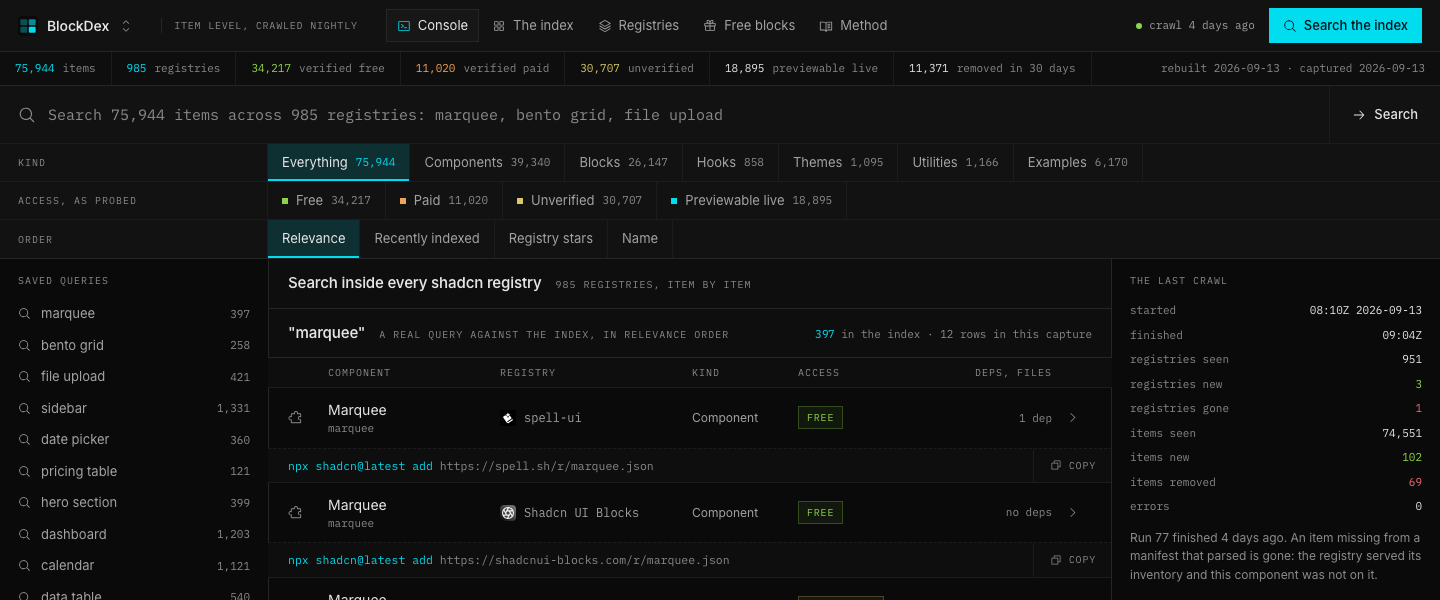
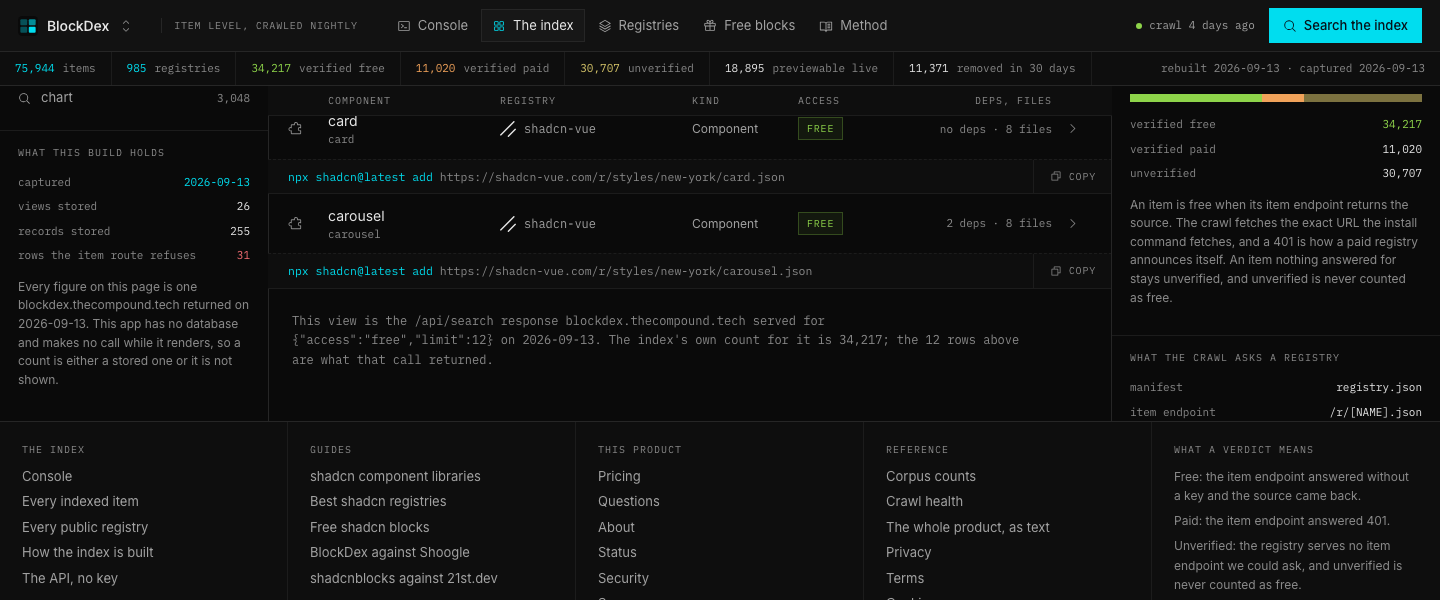
The console opens with a search field for 75,944 items across 985 registries. A query such as "marquee" returns the item name, registry, access verdict, install command, dependencies, and preview state.
BlockDex searches the captured index in relevance order, then lets you open the full item record. The result keeps the install command next to the evidence behind it.
Kind filters
The Kind control separates Components, Blocks, Hooks, Themes, Utilities, and Examples. Each filter carries its own measured total, so the same query can be narrowed without changing what the index means by an item.
BlockDex applies the type filter before rendering the results. The page keeps the selected view visible, which makes the active slice clear when you move between categories.
Access filters
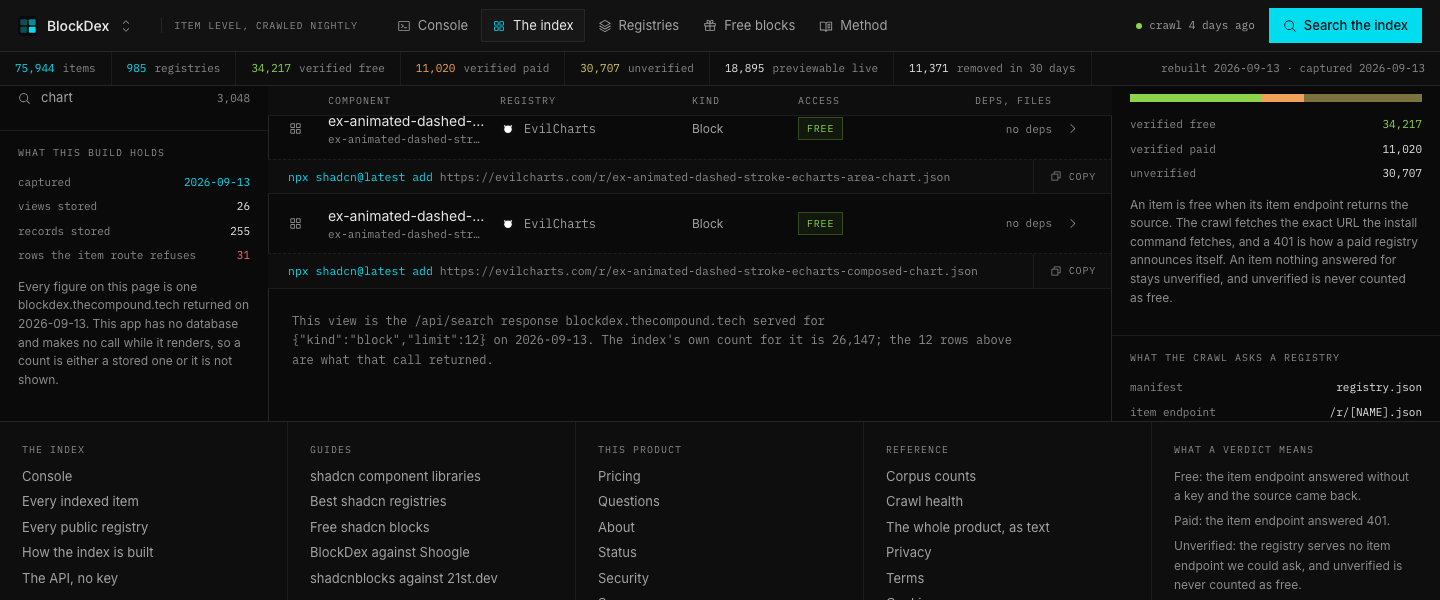
The Access control shows Free, Paid, Unverified, and Previewable live. Free means the item endpoint returned source without a key, Paid means it answered 401, and Unverified means BlockDex could not ask an item endpoint.
BlockDex records the verdict from the endpoint response instead of copying a pricing label. That leaves unverified results visible without treating them as free.
Saved queries
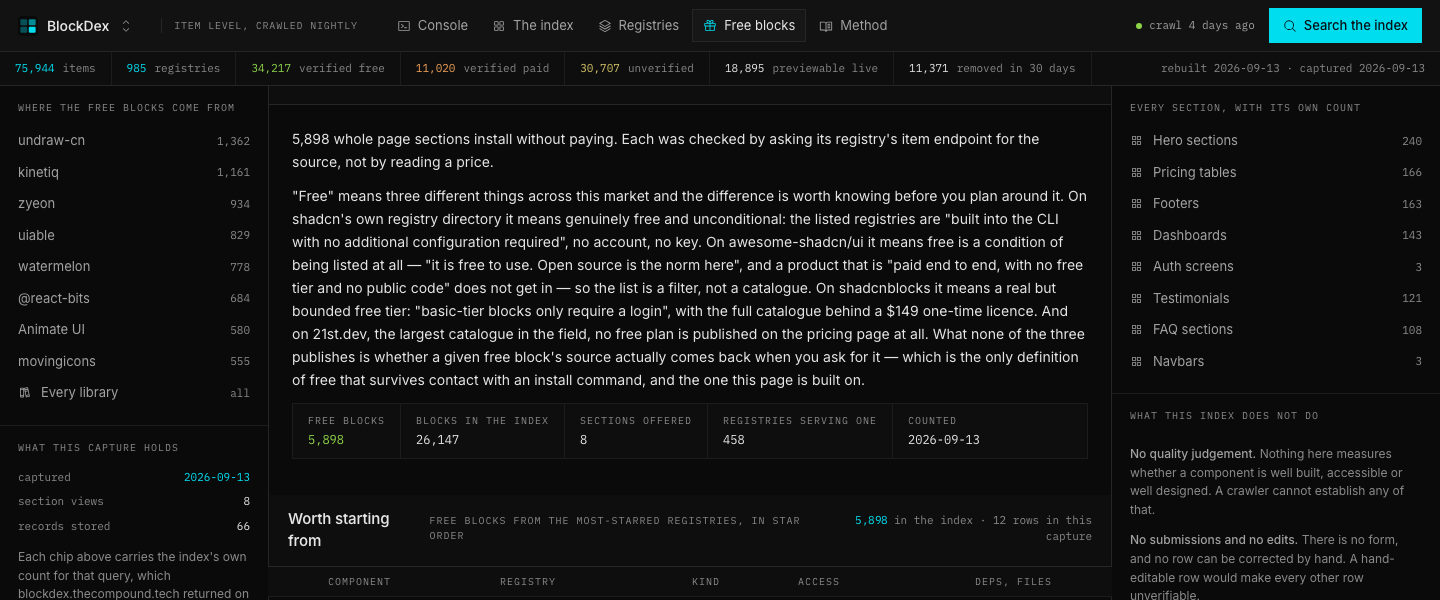
The Saved queries rail holds searches such as marquee, bento grid, file upload, sidebar, date picker, pricing table, hero section, dashboard, calendar, data table, login form, and chart.
BlockDex turns each saved query into a repeatable index view with its captured result set. The query remains tied to the same search and sort parameters that produced it.
Registry directory
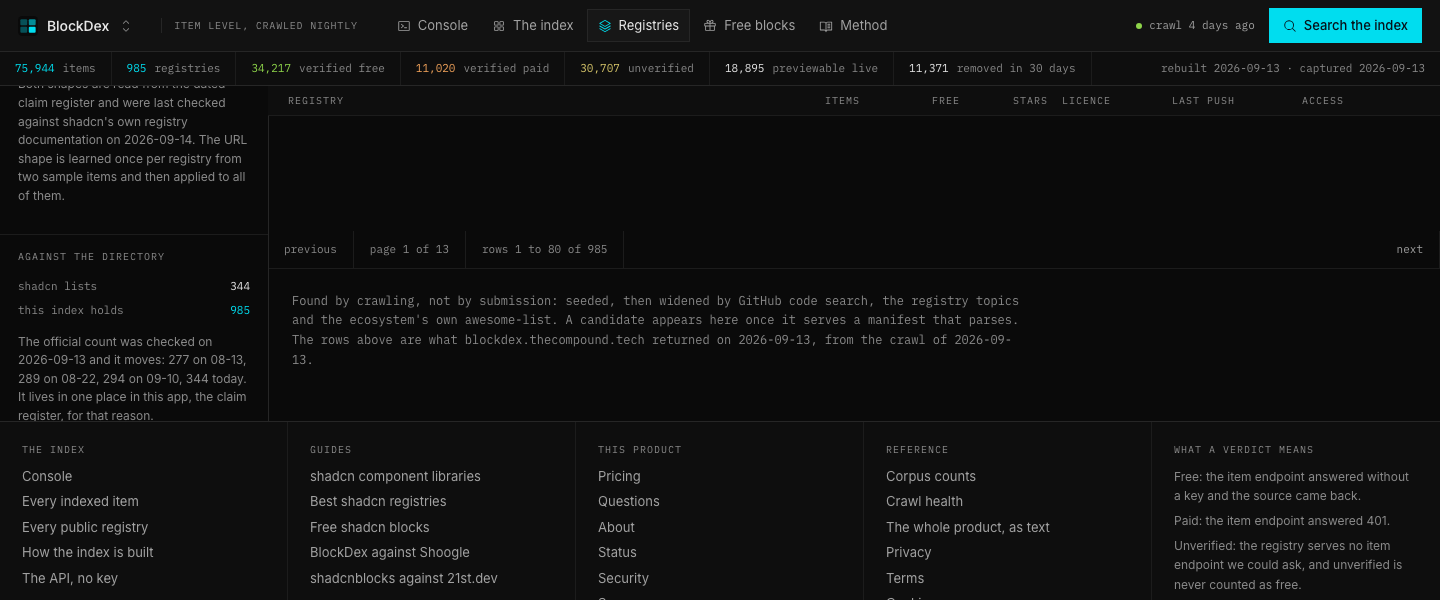
The Registries page shows each registry with its item total, free total, stars, licence, last push, and access state. It also explains that a registry appears after it serves a manifest that parses.
BlockDex lets you order the directory by item count, GitHub stars, recent push, or name. The access legend distinguishes Free, Free + paid, Paid, and Unverified before you inspect an individual registry.
Item record
An item record shows its type, file count, first-seen date, last-seen date, registry, stars, install command, dependencies, and the source endpoint result. A record can also show a live frame from the registry's own page or a captured photograph when framing is unavailable.
BlockDex keeps the record and the evidence together. The page says whether the source came back, whether the registry's endpoint answered 401, and whether the preview is live, photographed, or not checked.
Crawl health
The Crawl health view shows the last run's start time, finish time, registries seen, registries new, registries gone, items seen, items new, items removed, and errors. The current page reports a run that finished with zero errors.
BlockDex uses the crawl state to explain when an item disappeared. A component missing from a manifest that parsed is treated as gone, rather than silently left in the directory.
Open API
The Open API view lists query parameters for search, type, access, registry, previewable, shots, sort, limit, and offset. The reference describes the response as the same index data used by the console.
BlockDex exposes the search surface without a key. The filters let another interface request only previewable items, only photographed items, or a specific sorted slice of the index.
Multiple shipped products, taken apart, few times a week. What each one does, what it cost to build, what the pipeline behind it looks like, and what the numbers did, read off the repository and the live site, not written from memory. Join the list.