 AGENTWIRE
 TRUING
 CONTEXT WINDOW
 GLANCELESS-SITE
 THE STANDUP
 SHIPWALL
 QUORUMFILE
 COMPOUND
 WHYYOURBRAINDOESTHAT
Unemploy prepares unemployment claim responses and benefit-charge protests
Unemploy puts unemployment claim responses and benefit-charge protests on one working surface. I open the demo and find a separation request already waiting, a deadline two days away, and controls that show what needs attention, what the audit found, and what the system did.
Unemploy
Claims on the clock
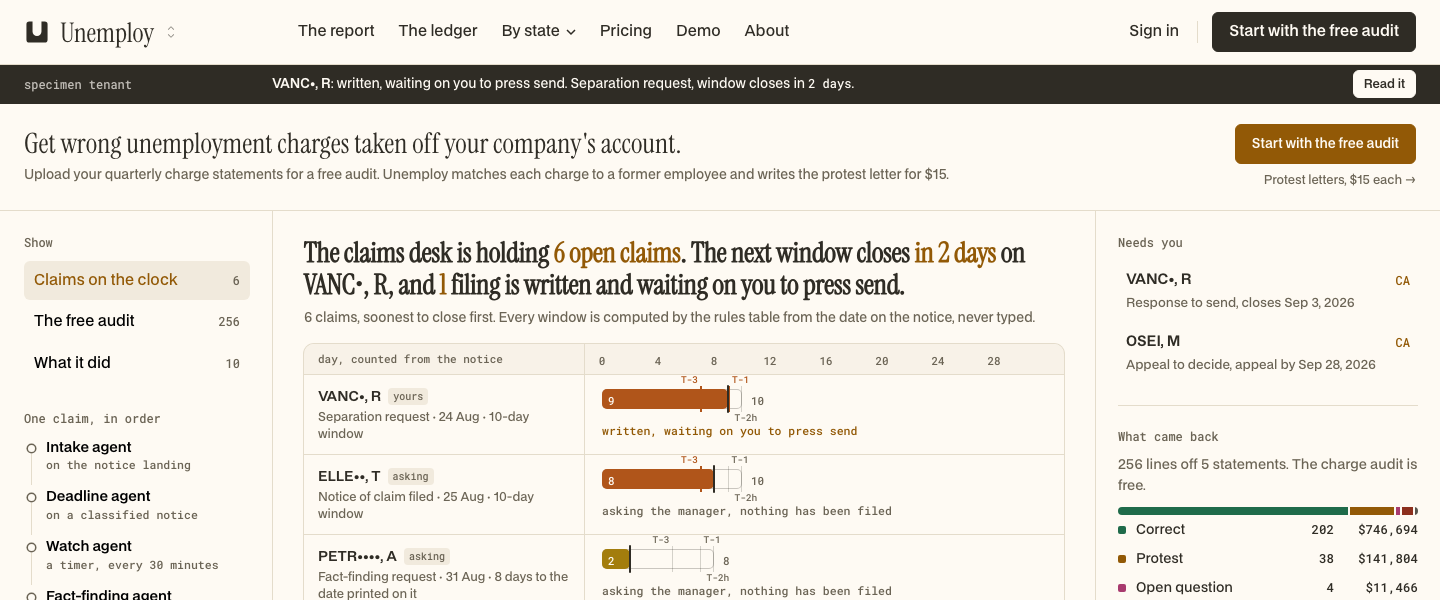
The main console opens on "Claims on the clock." A specimen tenant shows a separation request marked "written, waiting on you to press send," with the window closing in two days. The left rail keeps that claim beside "The free audit" and "What it did."
I use "Read it" to open the claim file. The file places the notice date, determination date, printed due date, computed due date, and counted deadline together. The deadline is not a decoration beside the claim. It is the first thing the console makes me inspect.
The claim file
The claim file shows the state's determination, the reason attached to it, and the basis for the recommendation. It also opens the drafted response, with sentences linked to the facts behind them. The page keeps the response beside the evidence rather than sending me to a separate summary.
The file lists missing facts the state asks for and the questions sent to the manager. Answered questions appear with their responses, while unanswered questions remain visible. The draft can be incomplete without pretending that the missing evidence does not matter.
Needs you
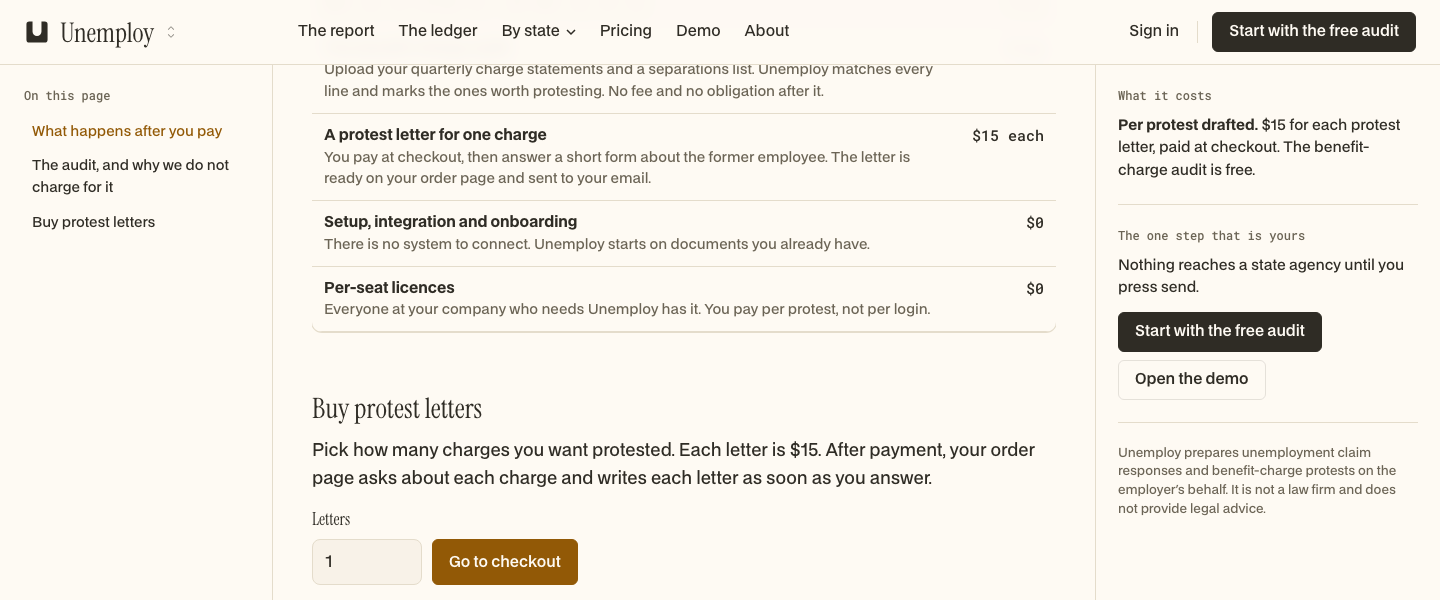
The right rail has a "Needs you" section for responses to send and appeals to decide. Each row names the person, the state, and the action waiting on the employer. Opening a row takes me back to the claim file instead of leaving the action as a badge with no context.
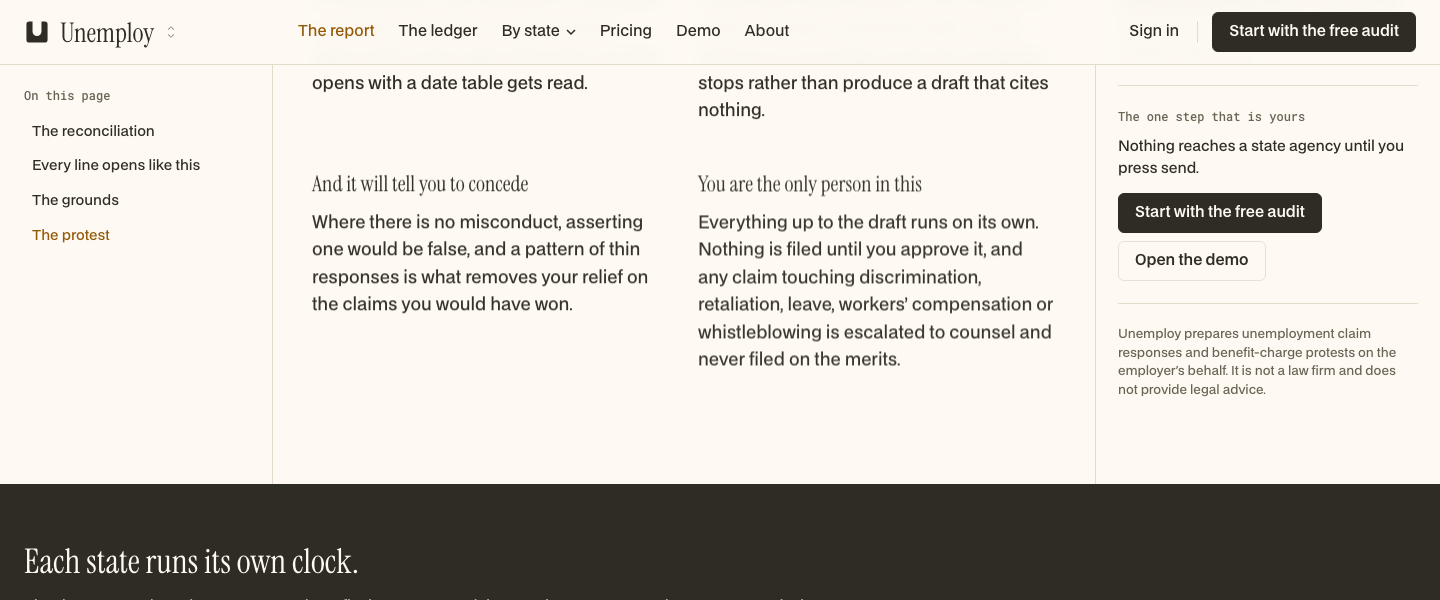
The send control lives inside the claim file. Pressing it is the employer's action, and the surrounding copy states that nothing reaches a state agency until that press. Unemploy prepares the response, but the console leaves the final transmission in the person's hands.
The free audit
The audit view shows a reconciliation of charge lines from quarterly benefit-charge statements. The live report carries 212 extracted lines from four statements, with 198 matched to a separation and 14 left unmatched. Of the matched lines, 31 carry a relief ground under Pennsylvania law and 167 are marked correct.
I can filter the full reconciliation to the flagged lines while keeping the cleared lines available. Each line retains its match and the ground used to score it. An unmatched line becomes a question for the employer, not a protest invented from incomplete information.
What it did
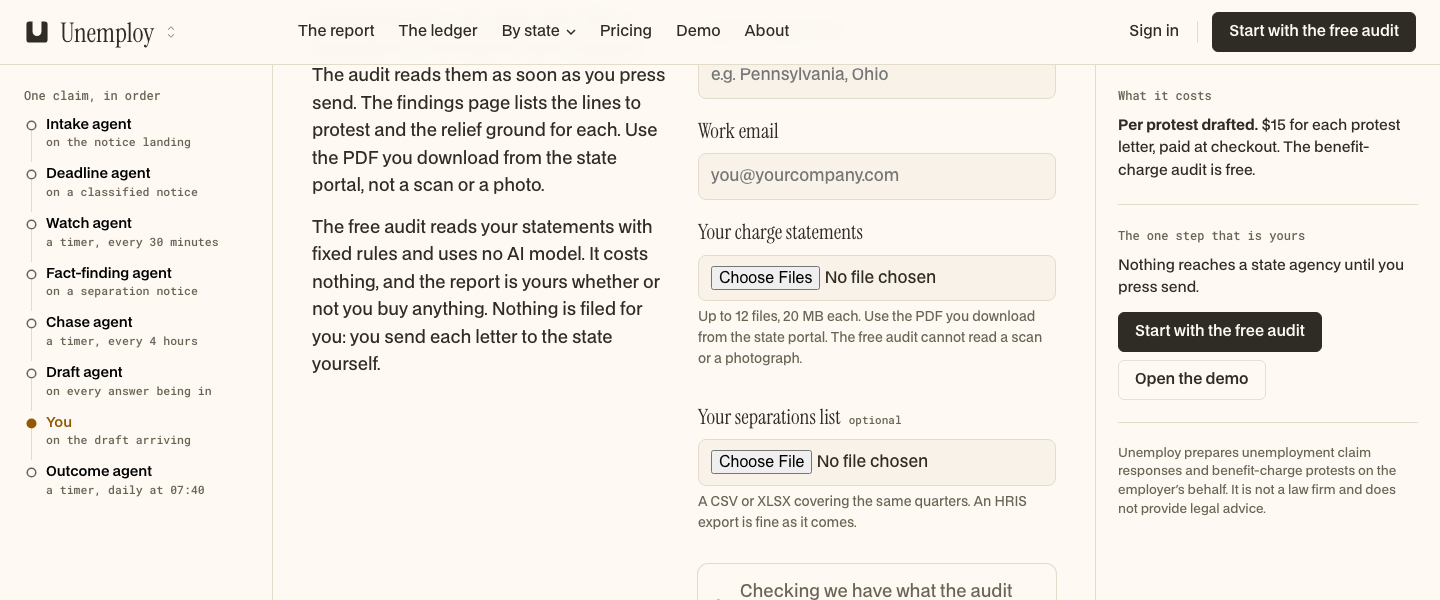
The "What it did" view records the pass through the claim. The console names an intake agent on notice landing, a deadline agent on a classified notice, a watch agent checking a timer every 30 minutes, a fact-finding agent on a separation notice, a chase agent checking every four hours, a draft agent on each answer, and an outcome agent checking daily at 07:40.
That sequence gives the work a visible order. A notice arrives, the deadline is classified, facts are requested, answers are chased, and a draft is assembled. The record lets me see which stage produced the current state instead of collapsing the whole process into one status label.