 STILL-MORNINGS
 AGENTWIRE
 COMPOUND
 THE STANDUP
 ENTRYLINE
 TOOLDRIFT
 MATCHLINE
BreachProbe checks whether users can read each other's rows
A passive scan can list exposed keys and public tables. It cannot tell whether a row-level policy keeps one signed-in user from reading another user's rows. BreachProbe puts that question in the console, then shows the evidence and the fix.
BreachProbe
URL scan control
The main console starts with a URL field and a scan control marked "Scan free." The header identifies the console as read-only.
BreachProbe fetches the submitted app and checks its public surface without changing the app. The scan begins from one URL.
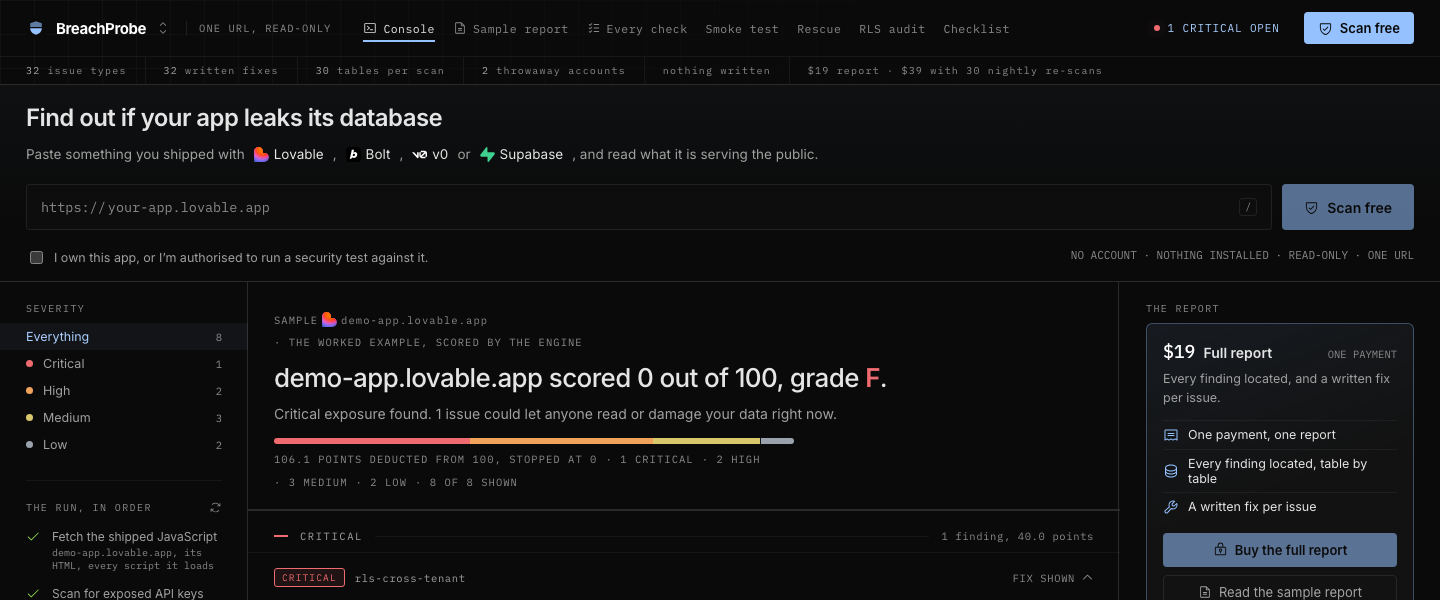
Security verdict
The console shows a grade, a numeric score, severity chips, and a points meter. The live header also exposes a critical-open status.
BreachProbe turns findings into a score and stops the score at zero. A critical finding makes the grade F, while a high finding caps it at C.
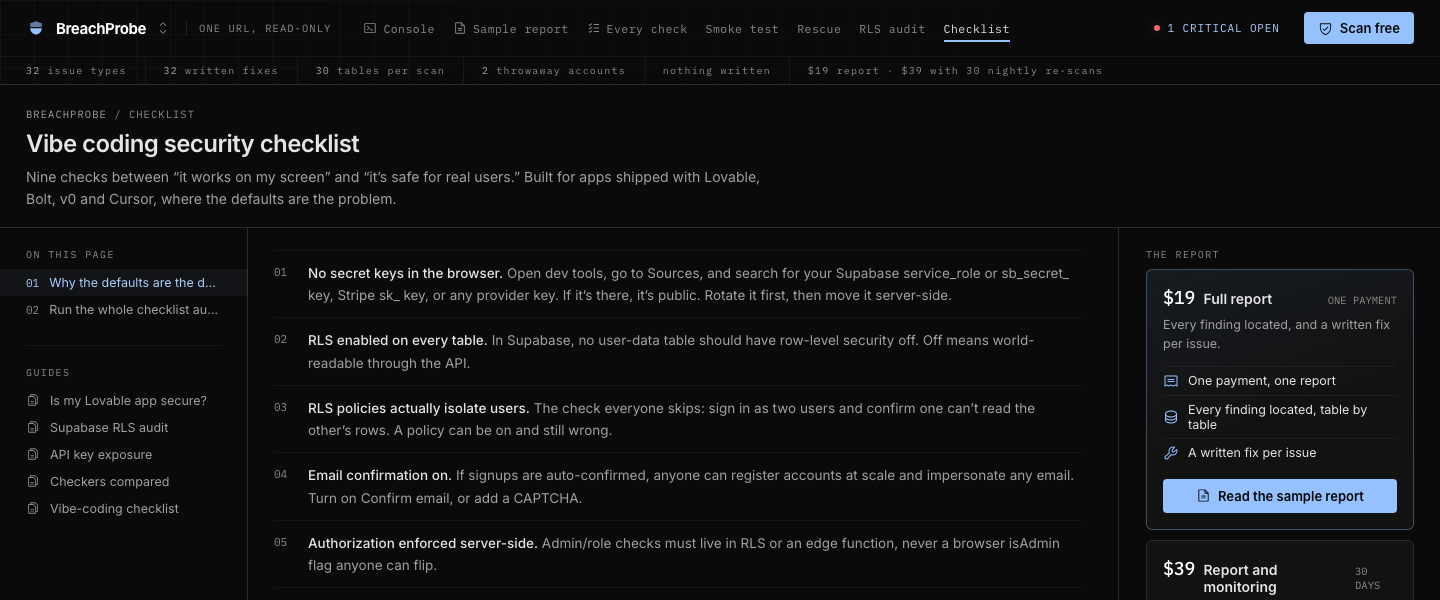
Cross-tenant probe
The sample report shows a three-step probe. BreachProbe creates two test users through the app's public signup endpoint, then asks whether the first user can read rows owned by somebody else.
A correctly scoped table answers zero because the first user owns no rows. Any row above zero becomes a cross-tenant finding, reported table by table.
Finding detail and fixes
The report contents rail links to each finding by severity and identifier. The main report opens each finding with its title, location, severity, and written fix.
BreachProbe names where a finding lives, including the table, header, file, or route when the report has that detail. Each fix is written as an instruction that can be pasted into the coding tool used for the app.
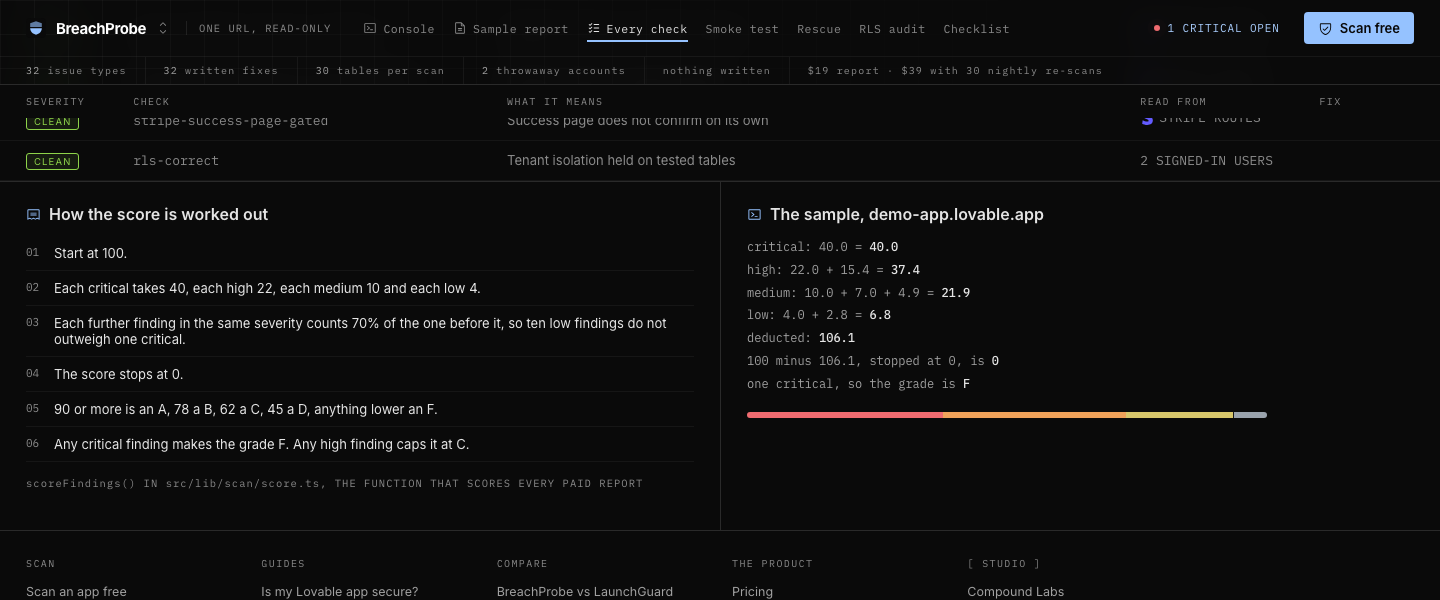
Every check ledger
The Every check page shows the check identifiers, severity groups, descriptions, and the source groups that feed the scan. The ledger sits above the score explanation.
BreachProbe keeps the check names visible instead of reducing the scan to one opaque grade. The page shows which checks contribute to the score and how the scoring function applies their weights.
Score calculation
The score panel shows the starting score, the severity weights, the decay applied to later findings, and the grade thresholds. A second panel prints the sample arithmetic and the deducted total.
BreachProbe applies a smaller deduction to each further finding in the same severity, so repeated low findings do not outweigh one critical finding. The calculation is shown as scoreFindings() from the scoring code.
Smoke test console
The Smoke test page has its own console and a control for checking whether an app's user flows work. Its route sits beside the security console and sample report in the main navigation.
BreachProbe uses the smoke test for signup, checkout, and password-reset flows. It shows where those flows break instead of treating a security scan as proof that the application works.
Multiple shipped products, taken apart, few times a week. What each one does, what it cost to build, what the pipeline behind it looks like, and what the numbers did, read off the repository and the live site, not written from memory. Join the list.