 STILL-MORNINGS
 AGENTWIRE
 COMPOUND
 THE STANDUP
 ENTRYLINE
 TOOLDRIFT
 MATCHLINE
BlockDex searches public shadcn registries at the item level
BlockDex puts the install command beside the component it found. That matters when the cost of a bad search is opening registry after registry just to recover a URL.
BlockDex
The console
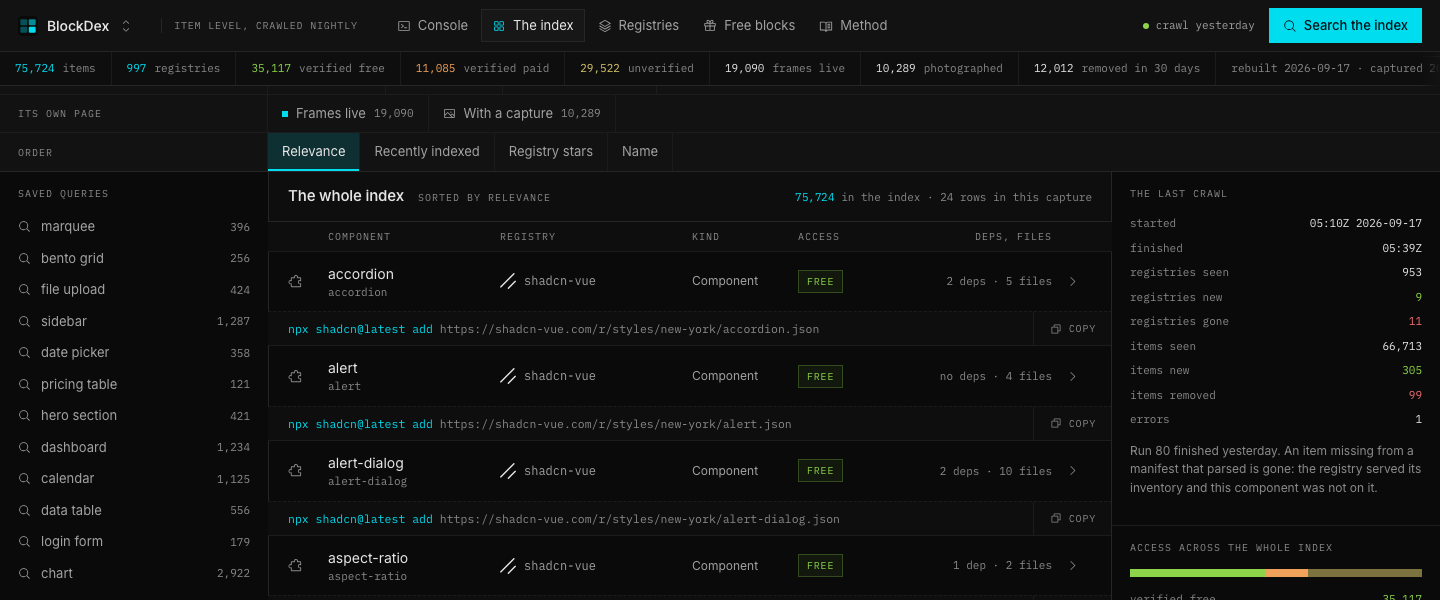
The console opens with a query for "marquee" and shows matching items in relevance order. Each row carries its type, access result, file count, dependencies, preview state, and an Open the record control.
The page gives the search result enough context to decide whether to inspect it. The install command stays visible, and the row points back to the registry's own item endpoint.
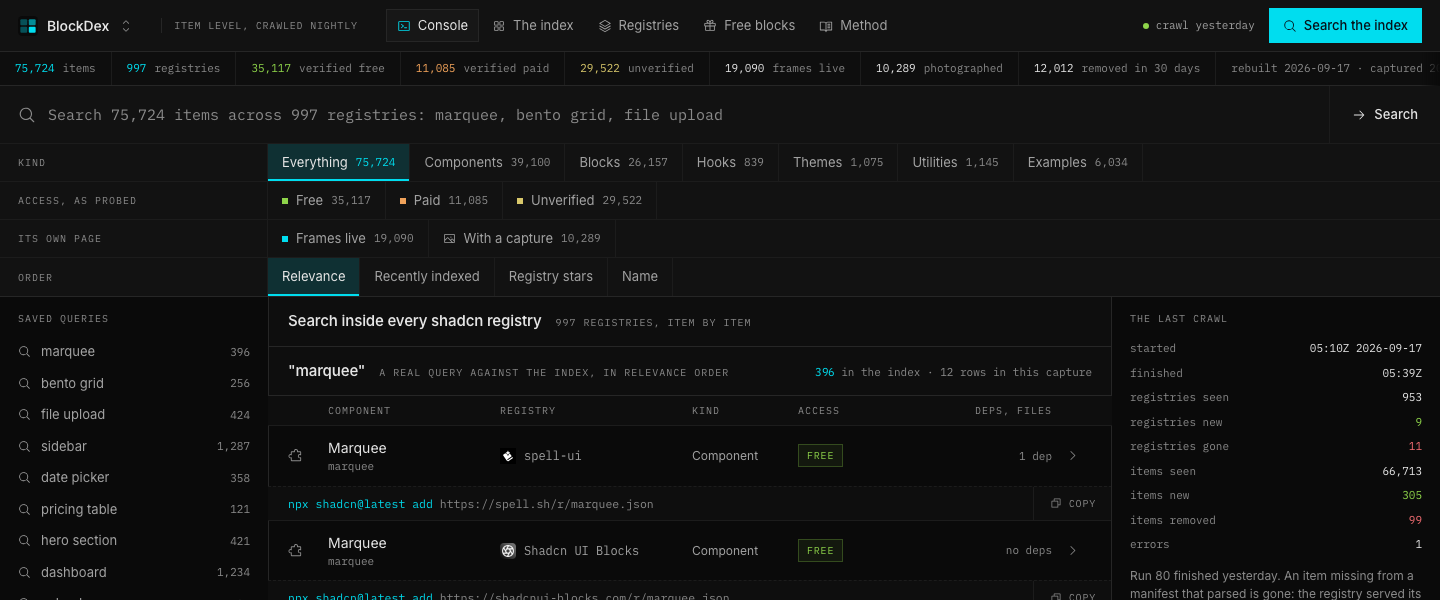
The query desk
The query desk combines a search field with filters for kind, access, page capture, and order. The live controls show counts for components, blocks, hooks, themes, utilities, free results, paid results, unverified results, live frames, and captures.
Each chip opens a stored view of the same index. The active filter is named in the compact control, so opening a filtered view does not hide which slice is on.
The registry shelf
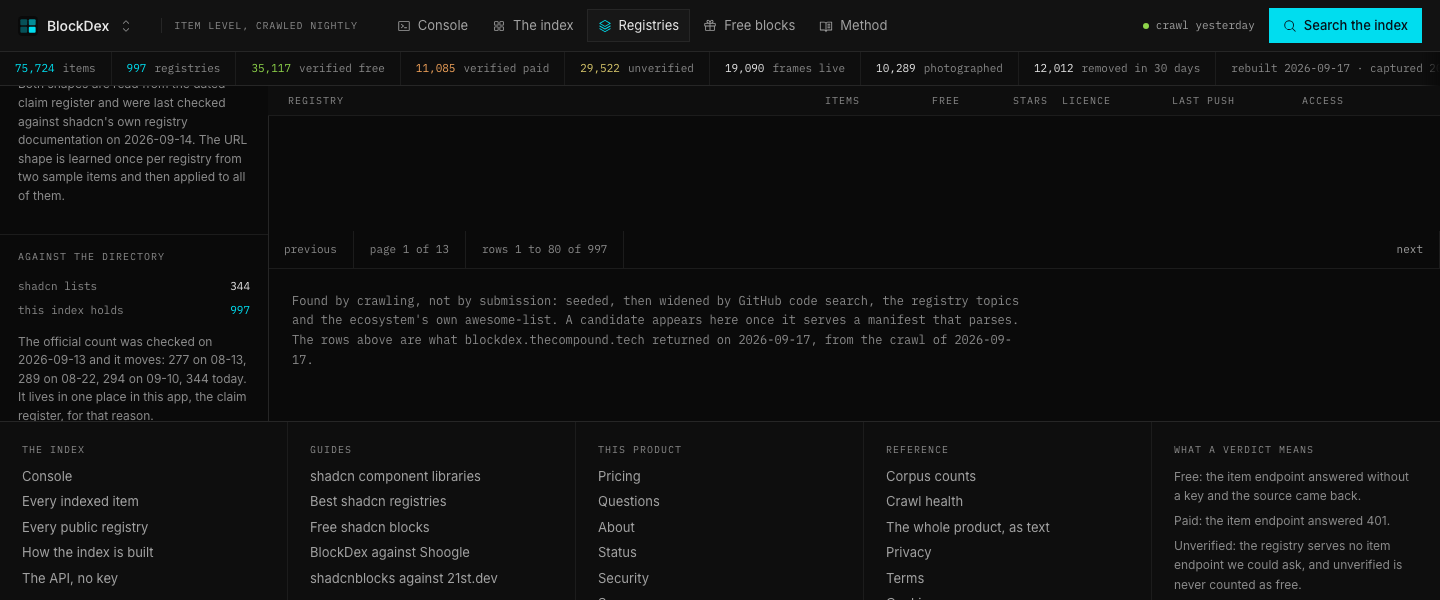
The registries page shows a shelf of sources with item totals, GitHub facts, licence text, access results, and crawl state. The page separates registries that answered from registries that stopped answering.
The shelf uses consecutive silence before removing a source from the active view. A registry that fails once stays distinguishable from one that has stopped answering.
| View | What it shows | What it answers |
|---|---|---|
| Every registry | 997 sources | Which registries serve a parsing manifest |
| Free | 462 sources | Which item endpoints answered without a key |
| Free plus paid | 12 sources | Which sources returned mixed access results |
| Unverified | 518 sources | Which sources expose no item endpoint to ask |
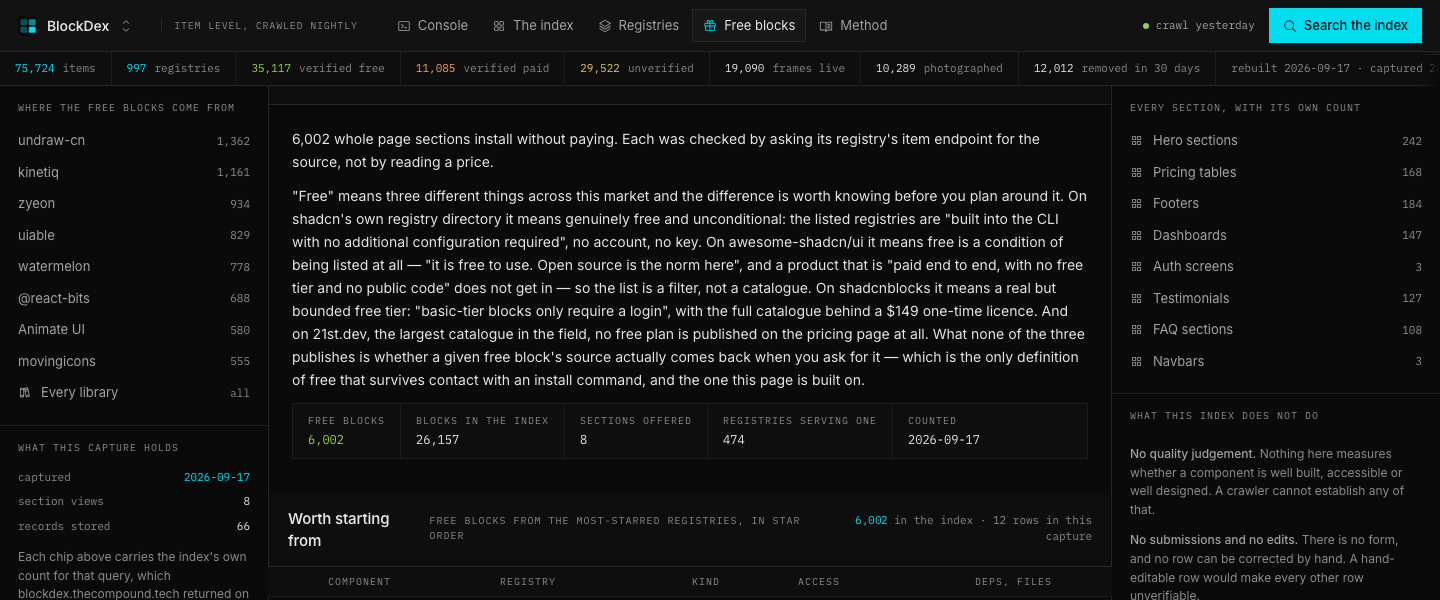
The method page
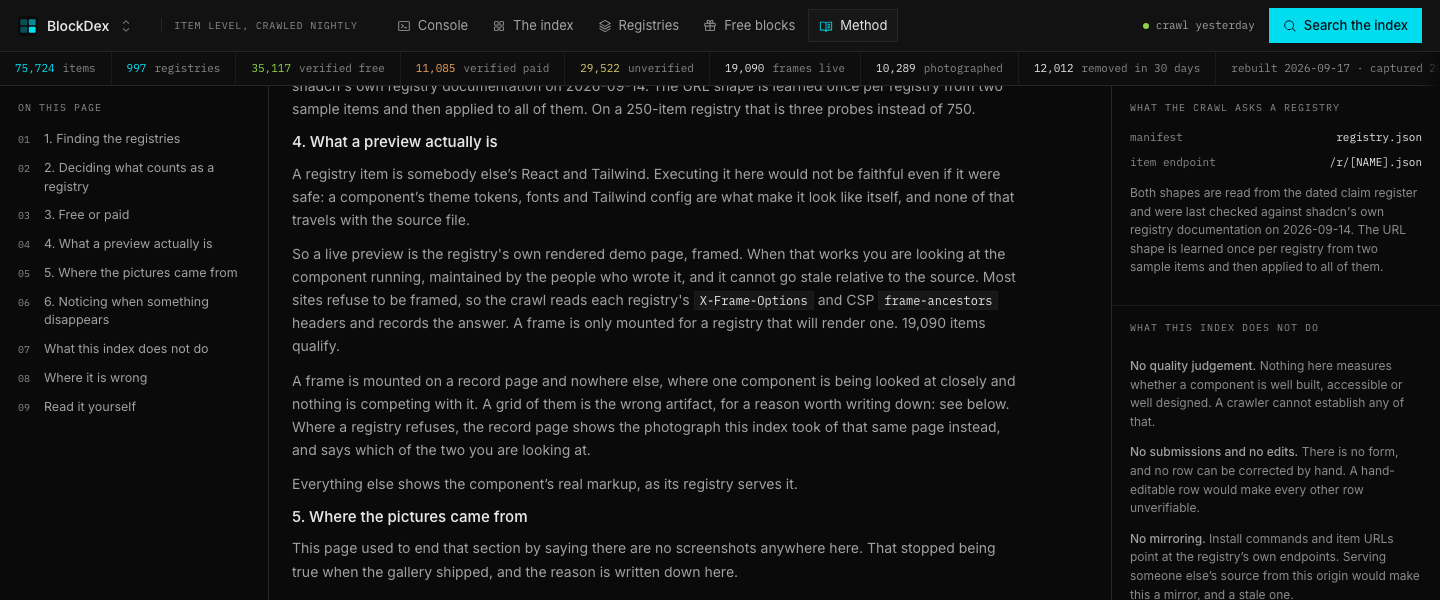
The method page lays out how BlockDex finds registries, decides whether a manifest counts, probes access, checks previews, and handles missing sources. It also states what the index refuses to measure, including quality scores and registry rankings.
The page ties each figure to something a registry served. It keeps the crawl method beside the result instead of asking the reader to treat a directory label as evidence.
The item record
An item record shows the namespaced id, type, files, first-seen date, last-seen date, registry, stars, preview state, dependencies, and the registry's own documentation address. The page also prints the install command and identifies whether the source came back.
The record lets a builder inspect one result without losing the provenance around it. The install path resolves to the registry's endpoint, while BlockDex keeps the item metadata and access reading beside it.
The API reference
The API reference lists the search, item, registry, statistics, health, and registry-resolution endpoints. It shows the accepted parameters, response purpose, cache notes, and example calls.
The page also shows how to add the BlockDex namespace to a components configuration and search it from the shadcn CLI. A namespaced item resolves to the source registry rather than serving a copied component from BlockDex.